Most SEO teams cluster keywords once, in a spreadsheet, for a site audit. Six months later the spreadsheet is wrong, the rankings have moved, and nobody remembers which groups were meant to become pages.
Clustering works as a process, not a one-off task. Here's the process, step by step, and how to tell whether it's working.
What is keyword clustering for SEO?
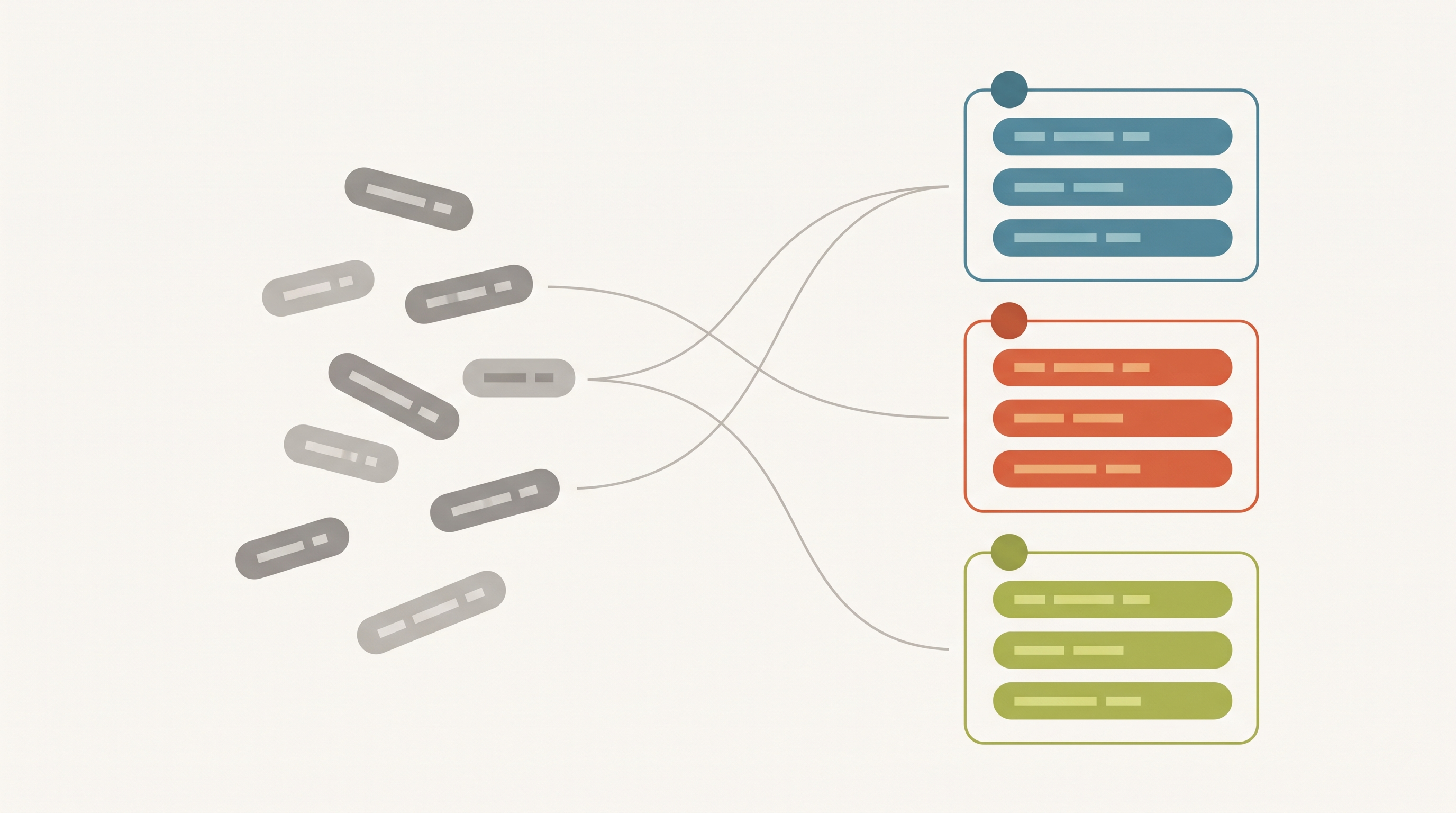
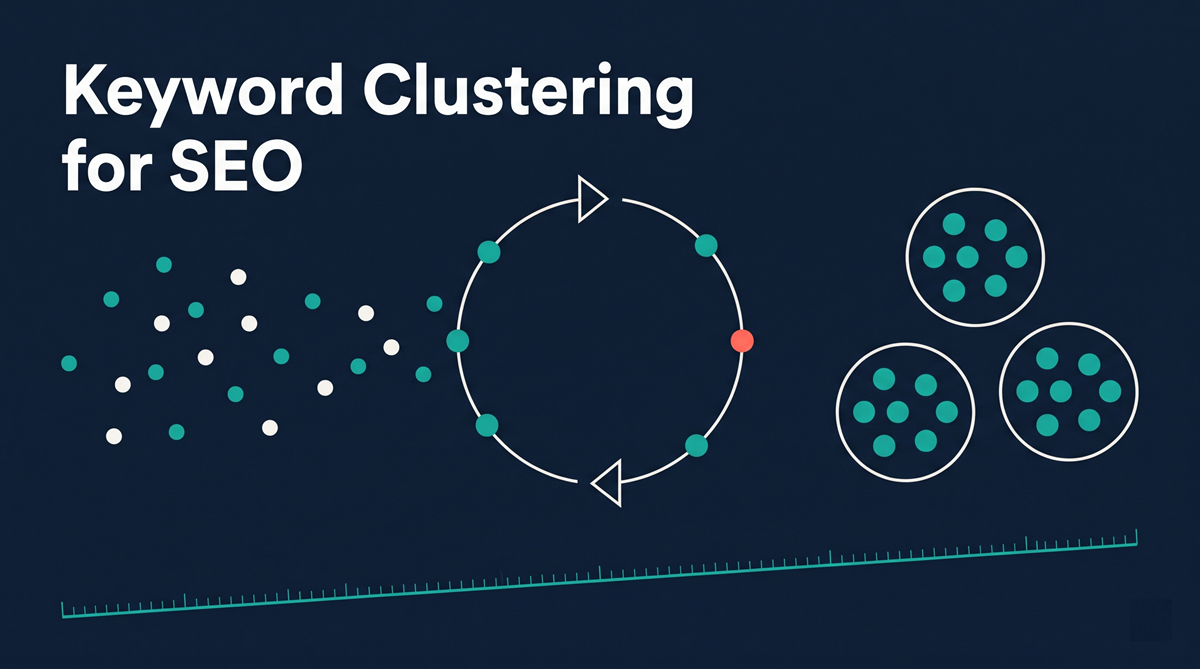
Keyword clustering for SEO groups the search queries your site already appears for into topics, then gives each topic one page and tracks that topic as a unit. The goal is coverage. A pillar page, its supporting pages, and the queries they should rank for all belong to one cluster.
Why does clustering matter more than single keywords?
Individual keyword tracking gets noisy once a site ranks for more than about 50 keywords. Rankings fluctuate week to week, and most of that movement is noise. Clusters smooth it out, and they show real trends: a content pillar rising or sliding as a group.
The strongest signal is at the topic level. Which pillars are winning and which are losing is more useful for planning than the position of any single keyword.
How do you run keyword clustering for SEO?
Six steps, in order:
- Gather the queries. Export at least three months of queries from Search Console. Keep impressions, clicks and average position. Six to twelve months is better for seasonal sites.
- Clean the list. Remove duplicates and typos you can clearly identify. Keep position 0 rows for now, but exclude them from any average later.
- Group by intent and topic. Put queries that want the same answer into the same group. A cluster is a set of queries one page should answer, not a set of keywords with the same word in them.
- Check each cluster for mixed intent. If a group holds both a how-to query and a product comparison, split it. One intent per cluster.
- Map each cluster to a page. Existing page, a page that needs expanding, or a new page. Each cluster gets exactly one primary page.
- Measure each cluster monthly. Impressions, clicks and average position per cluster, with position 0 excluded from the average.
Step 3 is where most of the work is. Step 6 is where the process pays off, because it's what catches a cluster that's slipping before the damage shows in your traffic.
How do you decide when two keywords belong in one cluster?
Use your own data as the test. For each query in your export, find which page ranked for it. Queries that share the same top page usually belong in one cluster, because one page is already serving them both.
Then sanity-check with your eyes. A shared top page is strong evidence, but two queries can share a page and still need different answers. If a comparison query and a definition query both land on one long guide, that page may be doing two jobs, and the cluster needs a closer look.
What do you do with clusters that have no page?
Those are coverage gaps. A cluster with high impressions and no dedicated page is the clearest case: demand is visible, and the site hasn't built anything for it. The fix is a new page, not more keyword tweaks on an existing one. Cluster coverage gaps walks through how to find them.
How do you know the process is working?
Watch the cluster-level numbers over several months:
- Impressions should rise as you cover the topic more fully.
- Average position should improve, measured without position 0.
- Clicks should follow impressions. If impressions rise and clicks don't, check whether the page's title and opening answer match the queries.
A cluster that stops improving after a few months is a signal to revisit the page or the intent, not necessarily a reason to start a new page.
Where TrackClusters fits
TrackClusters runs the clustering and monthly measurement from steps 3 and 6 for you. It connects to Search Console through OAuth, groups your real queries into clusters, syncs daily, and tracks impressions, clicks and average position per cluster over time. Position 0 is excluded from averages.
Steps 1, 2, 4 and 5 still need your judgment. The tool groups queries, but you decide which page each cluster belongs to. There's a 7-day free trial and no credit card required on the pricing page.
For the basics, see what keyword clustering is. For real cluster examples, see keyword clustering examples.
FAQ
What is keyword clustering in SEO?
Grouping the queries your site ranks for into topics, with one primary page per topic, then tracking each topic as a unit.
How many keywords should be in one cluster?
There's no fixed number. A cluster is defined by intent: the queries one page should answer. A cluster can hold a few queries or dozens.
How often should I re-cluster?
Re-check the clusters monthly for performance. Re-run the full grouping quarterly, or when your queries change a lot.
Does keyword clustering help with rankings?
It helps you plan coverage and spot gaps, which supports rankings. It doesn't guarantee any position.
What's the difference between keyword clustering and topic clustering?
In practice, the terms overlap. Keyword clustering starts from queries, and topic clustering often starts from a subject. The process here starts from queries, so each group is tied to real search data.
Comments
Join the discussionNo comments yet. Be the first to comment.