Google finally added AI Overview data to Search Console. It arrived as a report that tells you how many times your pages appeared in AI answers, and almost nothing about why. No queries. No clicks. A list of URLs and a number. Useful, in the way a receipt with no item names is useful.
Here's what the report shows, what it leaves out, and a method for tracking AI Overview visibility by topic cluster instead of page by page.
Can you see AI Overview data in Google Search Console?
Yes. Google announced Search Generative AI performance reports in Search Console on 3 June 2026, covering AI Overviews and AI Mode (Google Search Central). It started with a subset of sites. Google's help page now says that as of 31 August 2026 the report has rolled out to all websites worldwide (Search Console Help).
If you still don't see it, Google's help page gives the likely reason: your site hasn't had enough impressions in generative AI features. That can also happen if the site has been excluded from Search generative AI features in Search Console's settings.
AI feature impressions are also still counted in your regular Performance report under the Web search type (Google Search Central). The new report gives them their own view.
What does the Search Console Generative AI report show, and what does it leave out?
It shows impressions: how many times links to your site were shown in a generative AI feature. You can split them by page, country, device and date. Impressions are the only metric Google's help page lists for the report (Search Console Help).
What it leaves out is most of what you'd want to act on:
No queries. You can see which page appeared, not what anyone asked.
No clicks, CTR or position. You can't tell whether an appearance sent anyone to your site.
The usual limits. Google notes the 1,000-row limit and time-period limits for the Performance report apply here too.
Does the Generative AI report show clicks or queries?
Neither. Google's help page lists impressions only. A third-party test also found the report isn't available through the Search Console API, so it can only be exported by hand (chudi.dev). Google's help page mentions an export button but doesn't mention API access either way, so treat that as one author's finding and check it against the current API reference.
That makes the report a good answer to "which of my pages show up in AI answers" and a poor answer to everything after it.
How do you find which queries trigger AI Overviews for your site?
You can't, directly. No Google report ties a query to an AI Overview appearance. What you can do is isolate the queries that look like prompts and track them separately.
AI-style searches tend to be long and conversational. One practical proxy is to filter Performance report queries to those of eight or more words, or those phrased as questions (chudi.dev uses this approach). It's a proxy. Plenty of short queries trigger AI Overviews and plenty of long ones don't.
In the Performance report, add a Query filter, choose Custom (regex), and paste:
^(\S+\s+){7,}\S+$
That matches queries of eight or more words. For question-style queries, use:
^(what|how|why|when|can|does|do|is|are|should|which)\s
Search Console often normalises punctuation, so don't rely on a trailing question mark. Starting words are more reliable.
How do you measure AI visibility for a whole topic, not just one page?
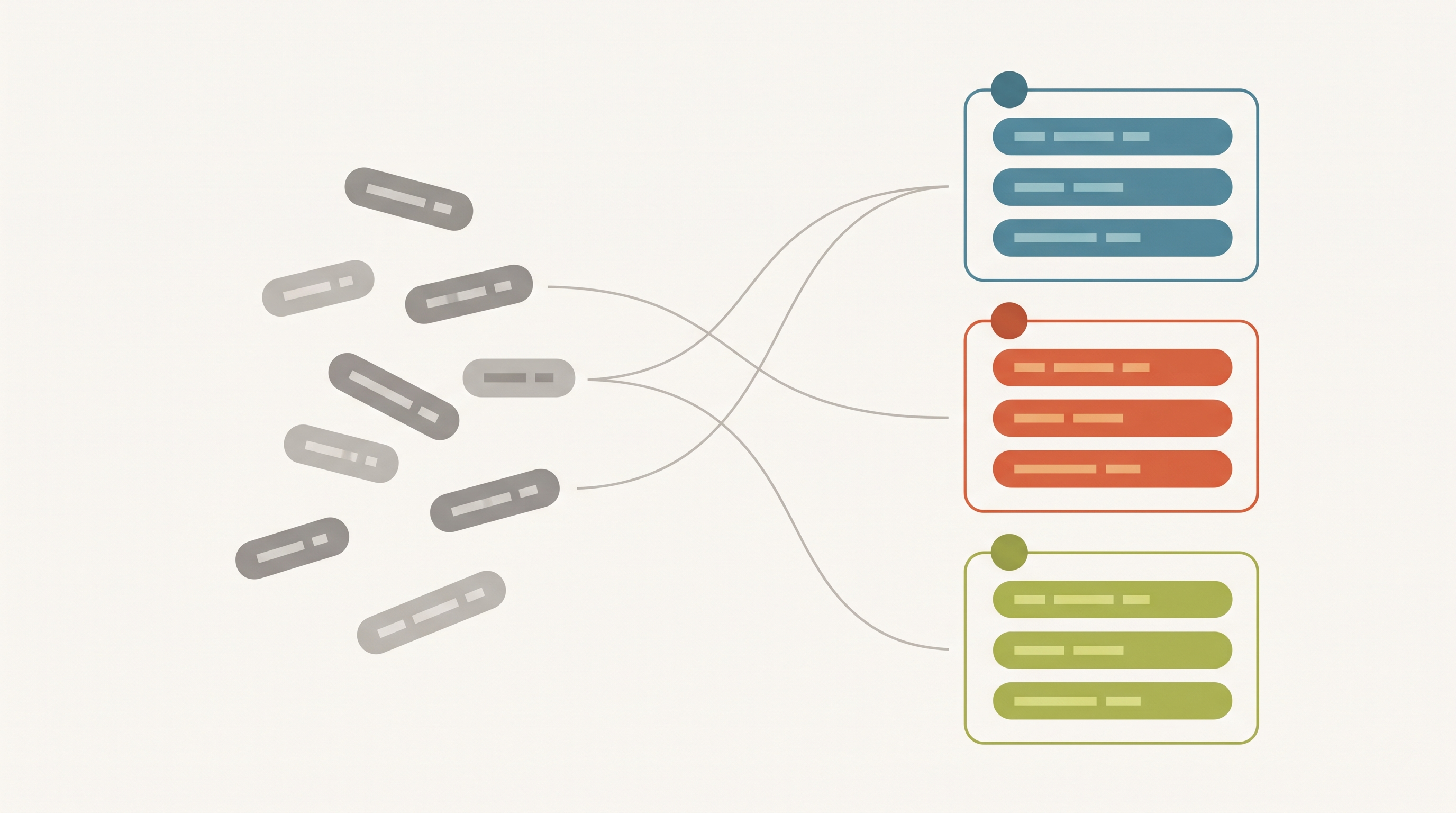
Roll the page-level numbers up to the cluster. The Generative AI report is page-based, and pages belong to topics, so you can aggregate in a spreadsheet.
Export the report's Pages table. Do it manually. Set the longest date range available.
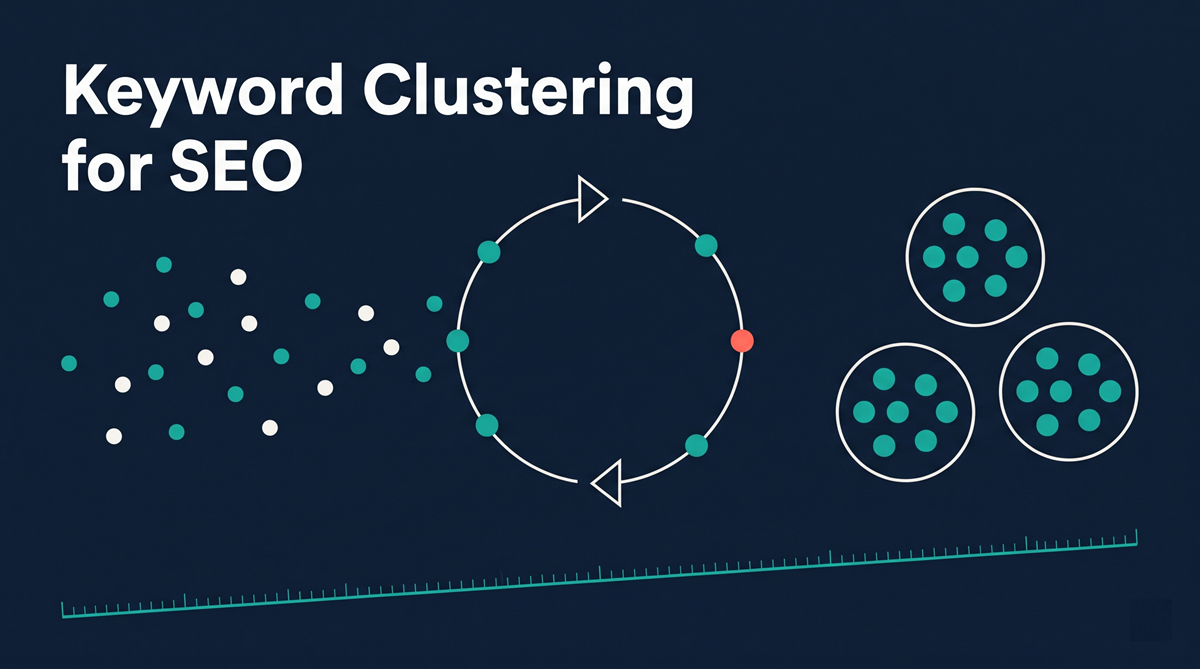
Build your clusters. Group your Performance-report queries by topic, and note which page each cluster lands on. If you haven't done this, what keyword clustering is covers how.
Map each exported URL to its cluster. One cluster can have several URLs.
Sum AI impressions per cluster. Add organic impressions and clicks from the standard report next to it.
Add a prompt-shaped column. Count the cluster's queries that match the regex above.
The output looks like this. The numbers are invented to show the layout, not real data:
| Cluster | Pages | AI impressions | Organic impressions | Prompt-shaped queries | Clicks |
|---|---|---|---|---|---|
| Deliverability | 2 | 1,200 | 9,800 | 14 | 310 |
| Email tools comparison | 1 | 240 | 6,100 | 3 | 420 |
| Setup guides | 3 | 80 | 1,900 | 9 | 95 |
Read it by cluster, not by row. Deliverability earns AI impressions at a high rate relative to its organic impressions and has many prompt-shaped queries, which suggests the topic is the kind AI answers cover. Email tools comparison gets clicks but little AI exposure. That's a topic where AI answers may not be citing you. Page-level data can't show you either pattern, because it never groups the pages.
What to do with the numbers
Three things are worth acting on:
High organic, low AI impressions: you rank, but AI answers aren't using you. Check whether the page answers the sub-questions around the topic. Query fan-out explains why that matters.
High AI, low clicks: you're being shown without being visited. That's a content and CTR problem to look at, not a win.
Clusters with no page in the AI report at all: these may be coverage gaps.
Google says there are no special requirements to appear in AI features (Google), so the fix is almost never an AI trick. It's the ordinary work of covering a topic properly.
Where TrackClusters fits
TrackClusters groups your real Search Console queries into clusters and tracks impressions, clicks and average position for each over time. That covers the organic side of the table above without a spreadsheet. The Generative AI report is a separate export that you'd add yourself. There's a 7-day free trial on the pricing page.
Related reading
- Keyword clustering for AEO: how to turn clusters into answer-ready pages
- How to build topical authority with keyword clusters: a step-by-step cluster plan
FAQ
Is there an AI Overviews report in Google Search Console? Yes. Google announced Generative AI performance reports on 3 June 2026, covering AI Overviews and AI Mode, and says they reached all websites by 31 August 2026.
Does the report show which queries triggered an AI Overview? No. It shows impressions by page, country, device and date. It doesn't list queries.
Can I get the Generative AI report through the Search Console API? One third-party test found no, and that the report can only be exported by hand. Google's help page doesn't mention API access, so check the current API reference.
Are AI Overview impressions included in my normal Performance report? Yes. Google says AI feature appearances are included in overall search traffic, under the Web search type.
How do I find AI-style queries in Search Console? Use a custom regex filter on queries: eight or more words, or starting with a question word. It's a proxy, not a label from Google.
Why track AI visibility by cluster instead of by page? AI answers draw on several sub-questions around a topic, so a topic is the unit that matters. Page numbers don't show whether a topic as a whole is covered.
How often should I export the report? Monthly is enough for most sites. The 1,000-row limit means busy sites may want to export in shorter date ranges so rows aren't cut off.
Comments
Join the discussionNo comments yet. Be the first to comment.