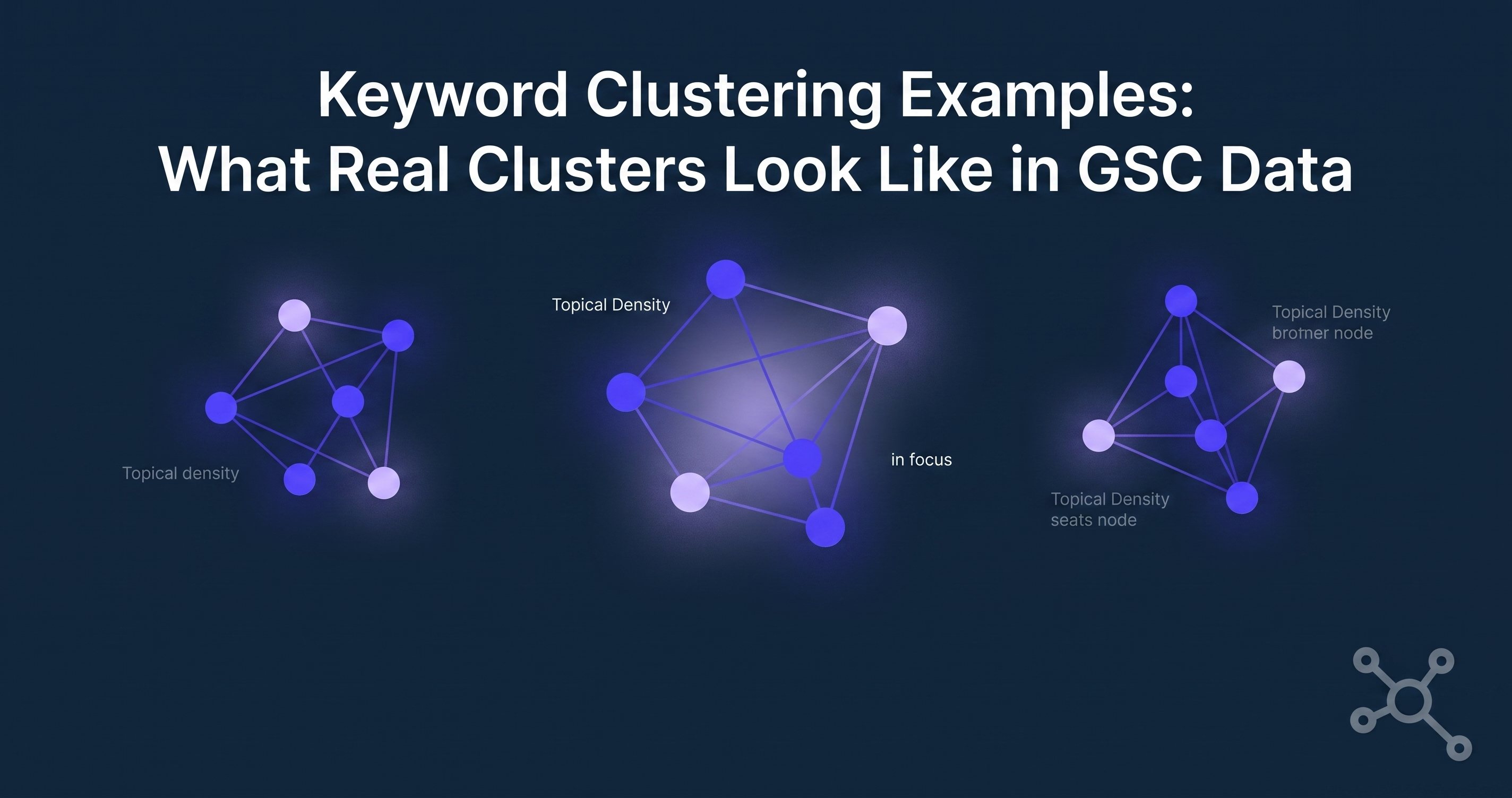
Search for keyword clustering examples and most of what comes back is a stock screenshot: a spreadsheet, some color-coded rows, a volume estimate from a database that has never once checked your site's actual rankings. Fine as a concept diagram. Not much help if you're trying to see how your own Google Search Console data actually groups.
Here's what clustering looks like when it's built from a site's real query data instead of a keyword research tool's guesswork — three examples, the mechanics behind each, and where the "estimated volume" version usually breaks down.
Example 1: The content pillar cluster
Say a site has a guide on email marketing tools. Pull its GSC queries and you'll typically find a spread like this sitting under one topic:
"best email marketing tools"
"email marketing software comparison"
"email marketing tools for small business"
"email automation software"
"email marketing platforms"
None of these are the same keyword. All of them are the same intent, hitting the same page, and moving together when that page gets updated or loses relevance. Track them individually and you get five noisy lines on five separate charts. Group them and you get one signal: is this pillar gaining or losing ground.
This is the simplest cluster shape and the one most manual spreadsheet clustering catches, because the keywords look similar on the surface.
Example 2: The question cluster
Question clusters are where manual clustering usually falls apart, because the keywords don't share obvious words:
"how does email deliverability work"
"why do emails go to spam"
"what affects sender reputation"
"email bounce rate causes"
Four different phrasings, one underlying topic — deliverability — and often one FAQ section or one page answering all of them. A keyword-matching approach (grouping by shared words) misses this cluster entirely, because "deliverability," "spam," "sender reputation," and "bounce rate" share almost no vocabulary. Grouping by which page actually earns the impressions catches it immediately, because GSC already tells you which query hit which URL.
Example 3: The commercial cluster
Commercial-intent queries cluster differently again — usually around a comparison or pricing page rather than a guide:
"[tool] vs [competitor]"
"[tool] pricing"
"[tool] alternatives"
"is [tool] worth it"
These queries often have lower individual impression counts than the informational cluster above, but they convert at a different rate, so mixing them into the same average as top-of-funnel queries hides the thing that actually matters for revenue: whether the comparison page itself is holding position.
Why individual keyword tracking misses all three
Once a site has more than about 50 ranking queries, tracking them one at a time stops being analysis and starts being scrolling. The signal was never in keyword #37 moving from position 8 to position 11. It's in whether the whole deliverability cluster is trending down while the pillar cluster holds steady — a pattern invisible until the keywords are grouped by topic and tracked as a group over time, not eyeballed individually once a month.
The example nobody's spreadsheet includes: position 0
Here's a detail that skews every one of the examples above if you're building clusters manually in a spreadsheet: GSC exports report position 0 for any query that ranked outside the top 100 during that period. If you average position across a cluster and include those zeros, the cluster looks like it's cratering when it's actually fine — a handful of long-tail queries that briefly showed up and dropped back out are dragging the average toward zero.
This is a specific, checkable data quality issue, not a modeling assumption. TrackClusters excludes position-0 queries from cluster average calculations for exactly this reason. It's a small detail, and it's the difference between a cluster average that reflects reality and one that panics you over noise.
Building these clusters from your own data
You don't need a keyword database to build any of the three examples above — you need your own GSC Performance report exported by query and page, then grouped by which page each query actually lands on. That's the whole mechanic. The manual version works fine at 50 keywords and turns into a part-time job past 200.
If you want that grouping done automatically from your own GSC data, without volume estimates or scraped rankings, that's the entire premise of TrackClusters — connect GSC, get clusters, watch them move. Pricing and the free trial are on the pricing page; more on the mechanics behind clustering is in the rest of the blog, including what keyword clustering actually is if you want the concept explained from scratch first.
Related reading
- Semantic keyword clustering: how grouping by meaning works
- Keyword clustering for AEO: how to turn clusters into answer-ready pages
FAQ
What's the difference between keyword clustering and keyword grouping? In practice, not much — "grouping" is often used for manual, rule-based bucketing (shared words, shared modifiers) while "clustering" implies grouping by intent or by which page the queries actually land on. The GSC-based examples above use the second approach.
Do I need search volume data to build keyword clusters? No. All three examples above were built from impressions, clicks, and position — data GSC already gives you for free. Volume estimates help with new-keyword research; they add nothing to clustering keywords you already rank for.
How many keywords need to be in a cluster before it's useful? There's no fixed minimum, but clusters under 3-4 queries usually don't tell you more than tracking those queries individually would. The value shows up once a cluster has enough queries that an average is more informative than any single line.
How often should clusters be recalculated? As often as your GSC data updates meaningfully — for most sites, weekly is enough to catch a trend without reacting to daily noise. GSC data itself lags by a few days, so recalculating hourly doesn't buy you anything.
Can I build these clusters manually in a spreadsheet? Yes, and Example 1 is genuinely easy to do by hand. Example 2 gets tedious past a dozen or so question variants, and remembering to strip position-0 rows before averaging is the step people skip.
Why does GSC show position 0 for some of my queries? Position 0 in a GSC export means the query didn't rank in the top 100 for that period — it's not a real ranking position, it's GSC's placeholder for "not found." Averaging it in with real positions understates how a cluster is actually performing.
Does clustering work for a small site with fewer than 50 ranking keywords? It still works, but the payoff is smaller. Individual tracking is manageable at that scale. Clustering starts earning its keep once scrolling through individual keywords stops being a five-minute task.
Comments
Join the discussionNo comments yet. Be the first to comment.